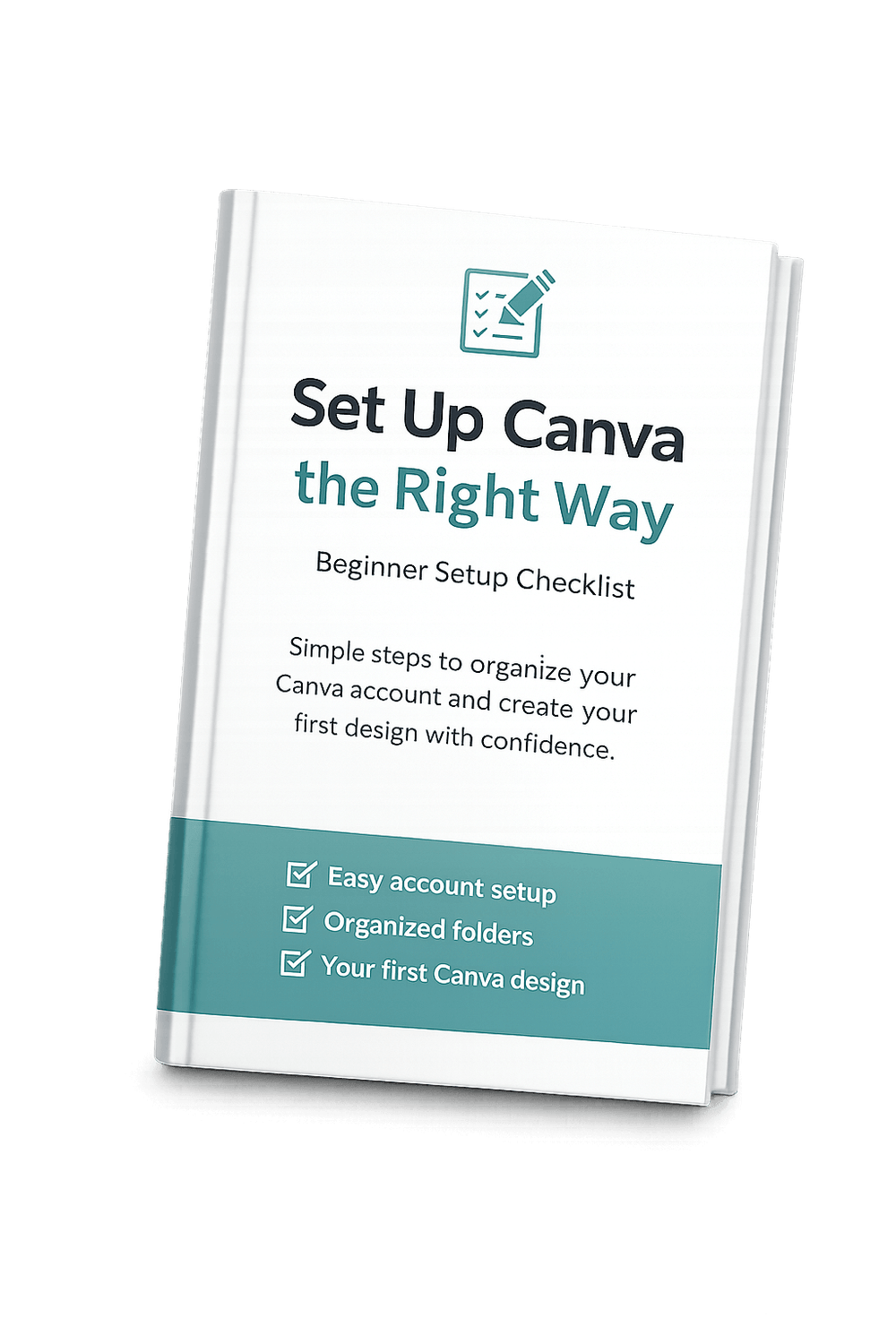
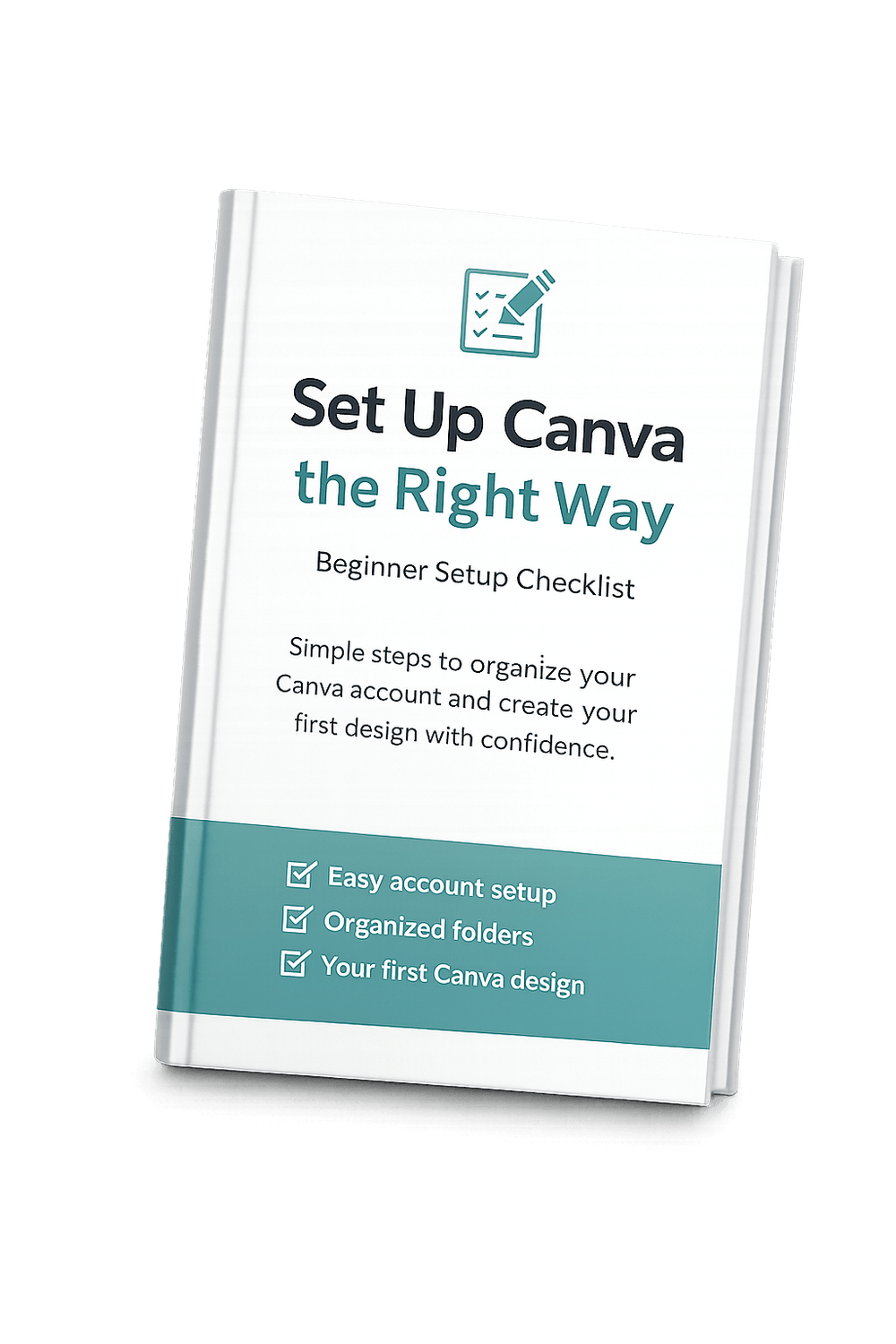
A simple checklist that shows you exactly how to organize your Canva account from day one.
Set Up Canva the Right Way
Stops the confusion of “Did I set this up right?”
Helps you organize folders, profile settings, and basic brand tools fast
Printable PDF Version available to download
BONUS: Canva Download Settings Cheat Sheet

About The Author
Shellie Enyard
I created this checklist because I remember how confusing Canva felt when I first opened it. There were so many buttons, templates, and options that I wasn’t even sure where to start. I kept thinking, “Am I setting this up the right way?” And, I wasted a lot of time just clicking around.
This checklist is the shortcut I wish I had. It walks you through the few things that actually matter in the beginning, without overloading you with extra steps or design rules. It helps you get organized, feel confident in your setup, and start creating without second-guessing yourself.
You don’t need to be creative, tech-savvy, or perfect to use Canva. You just need a clear starting point. This checklist gives you that. It helps you go from unsure and scattered to calm, organized, and ready to design.
Home | About | Contact | Privacy Policy | Affiliate Disclaimer
© Copyright 2026 - All rights reserved
Drive consistent traffic to your videos in just days...
We HATE spam. Your email address is 100% secure